Rajasthan Bonafide/Domicile Certificate error send back to citizen by level one
- 3 days ago
- 1 min read
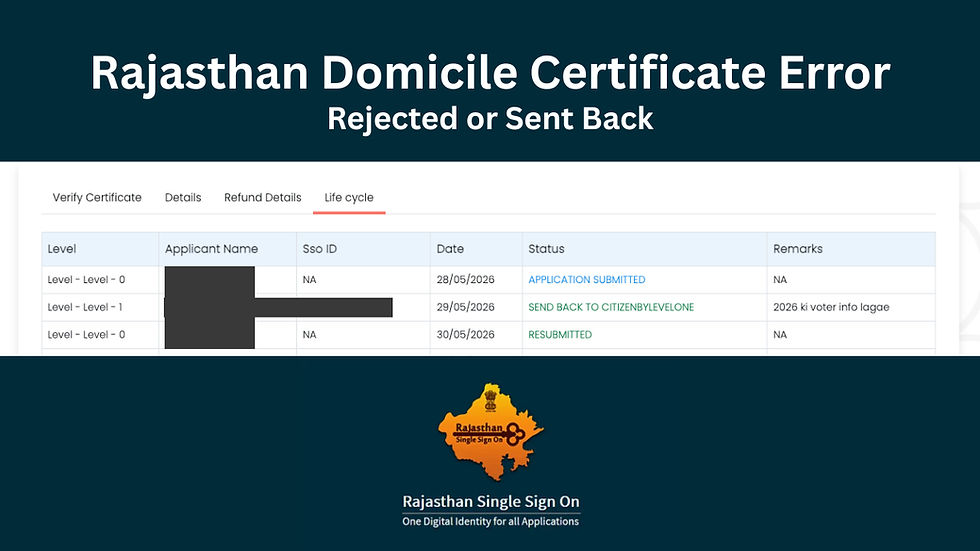
Note if you are facing an error like Rejected by Level One you will need to start entirely new application, you can follow our tutorial here to do that.
To fix the send back to citizen by level one error follow the following steps
Step 0: Read the remarks to understand what's missing, in our case its "2026 ki voter info lagae". Basically asking for voters list page with the name of applicant. You can download voters list here .
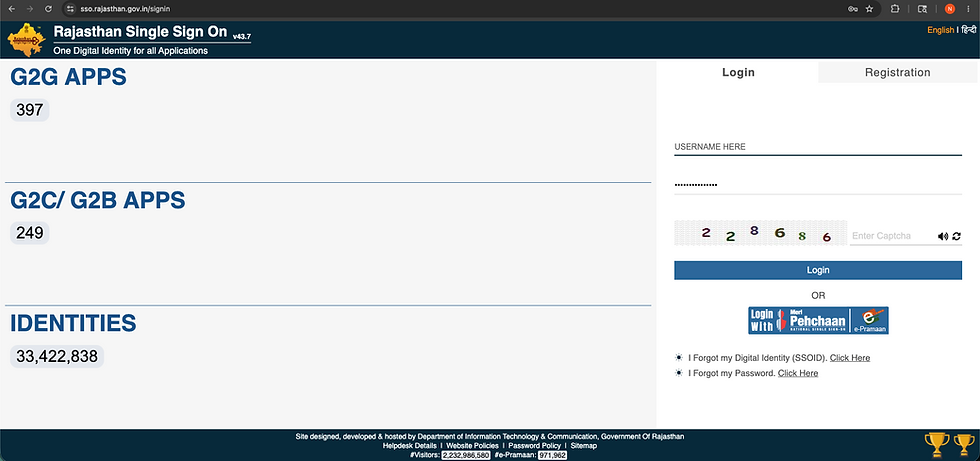
Step 1: Visit the Rajasthan SSO Dashboard and Login
Step 2: Search for E-Mitra

Step 3: Go to Service Workflow For Application Services in the side bar

Step 4: Select From and To date (any duration if you forgot your submission date)

Step 5: Select the application you want to modify by clicking on the checkbox on the left.

Step 6: Click on the edit form button on bottom and modify the application by adding the changes then click on save to resubmit.
After Resubmission you should see change in status here



Comments